Our Word to PDF converter is a fast online tool for converting Microsoft Word documents to PDF. It converts .doc or .docx to .pdf while preserving layout, formatting, and quality across devices and platforms.
PDF to word converter online free
No software download or installation
Fast Word to PDF conversion
Leading Online Word to PDF Converter
Need to convert Word to PDF? Our fast, accurate converter has served millions of users.
Seamless Word to PDF Conversion
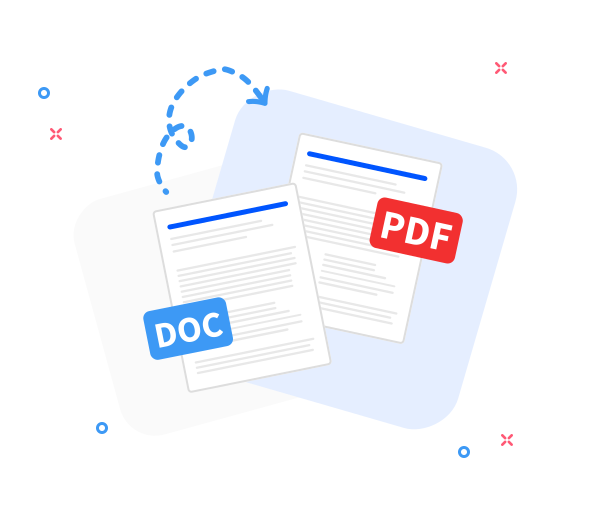
Convert any Word document to PDF with our tool. Fast, precise, and free-preserving layout and formatting.
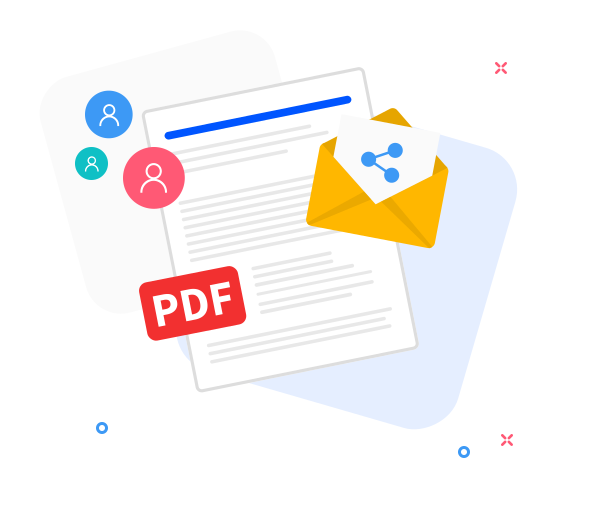
Share the converted files with others.
We designed easy sharing to speed up file distribution. After converting, generate a download link and email the PDF in a few simple steps.
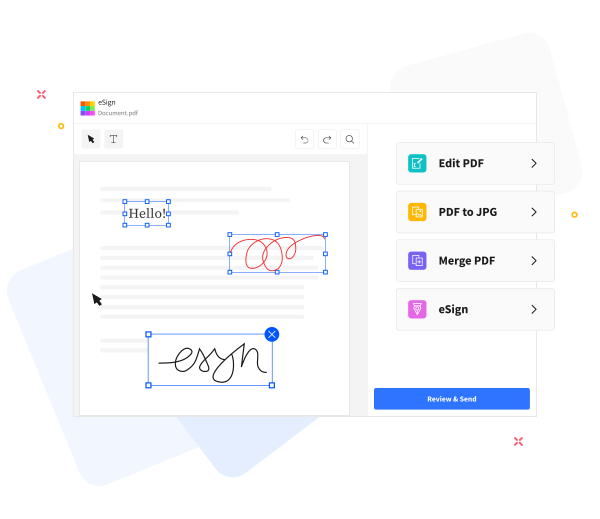
Improve the quality of your PDFs.
Enhance your PDF editing workflow with our tools. Add text, compress files for email, annotate, or merge with other PDFs seamlessly.
Quick and efficient conversion.
No software installation required. Convert Word to PDF for free with our tool. Upload your Word document and instantly get a PDF. Supports DOC and DOCX formats.
Convert to PDF securely online.
We take the security of your files seriously. Converted files are automatically and permanently deleted within one hour. If you wish to save copies, create an account to store them securely.
Works across all devices and major operating systems.
Convert Word to PDF on any device-desktop, mobile, or tablet-and on any OS. Fast, reliable, and free.
Supports various file formats
This tool goes beyond Word to PDF: convert JPG, PNG, Excel, PPT, and more. Simply choose the desired option on the homepage.
Free, scalable, and supports large files.
Convert multiple files, multiple times daily, with file sizes up to 1 GB. Fast, reliable, and completely free.
Convert on the cloud.
Powered by cloud technology for a seamless, scalable workspace. Convert DOC files to PDF, then store and share them with confidence.
Frequently Asked Questions
Yes. This Word to PDF converter is free to use online. You can convert Word documents to PDF format without registration, watermarks, or installing any software.
Yes. The converter preserves text formatting, fonts, images, and page layout to ensure the generated PDF looks the same as the original Word document.
Yes. Files are transferred using secure HTTPS encryption and processed automatically. All uploaded Word documents and generated PDFs are deleted from our servers after a short period to protect your privacy.
How to Convert a Word Document to PDF?
Convert Word files to PDF in a few simple steps:
Drag and drop your document into our tool to get started.
Click “Convert to PDF”.
Wait a moment while we convert your file to PDF.
Click the Download button to save your PDF or share it.
No file selected.
Please add a file to enable these options.
Word to PDF
Uploading file(s)
%
UPLOADED
Please wait a moment!
Oh no! We couldn't process your files.
Damaged/Corrupted File
We can't process damaged or corrupted files. Check if your file is damaged by opening it with your PDF software. If you can't open it, it's probably damaged. Restore the file to health, then try again.
Retry Repair PDF
Your Word file has been converted to PDF.
Download PDF
Not satisfied? Click here to adjust conversion options and files.
Copy & Send download link
Copy
Reading file
Conversion failed. Please try again!
This is message zip error
Operation failed, please try again!
Damaged/Corrupted File
This file is damaged. Please remove it.
This file is locked. Please unlock it to continue.
Sorry, those file(s) are not allowed: {{ ignoredFiles }}
Sorry, PDFSkill can only process one file per task. The first file you selected will be used. ({{ oneFileName }}) is being processed.
The link has been successfully copied.
Please enter a valid URL, such as: https://abc.com
Conversion failed. Please try again!
The data you entered is invalid. Please check again!
This file is locked. Please unlock it to use this feature.
Accessing URL ...
This may take a while ...
We are scanning all URL content to ensure quality.